
SEO Singapore: Reduce Migration Risk with URL Checks
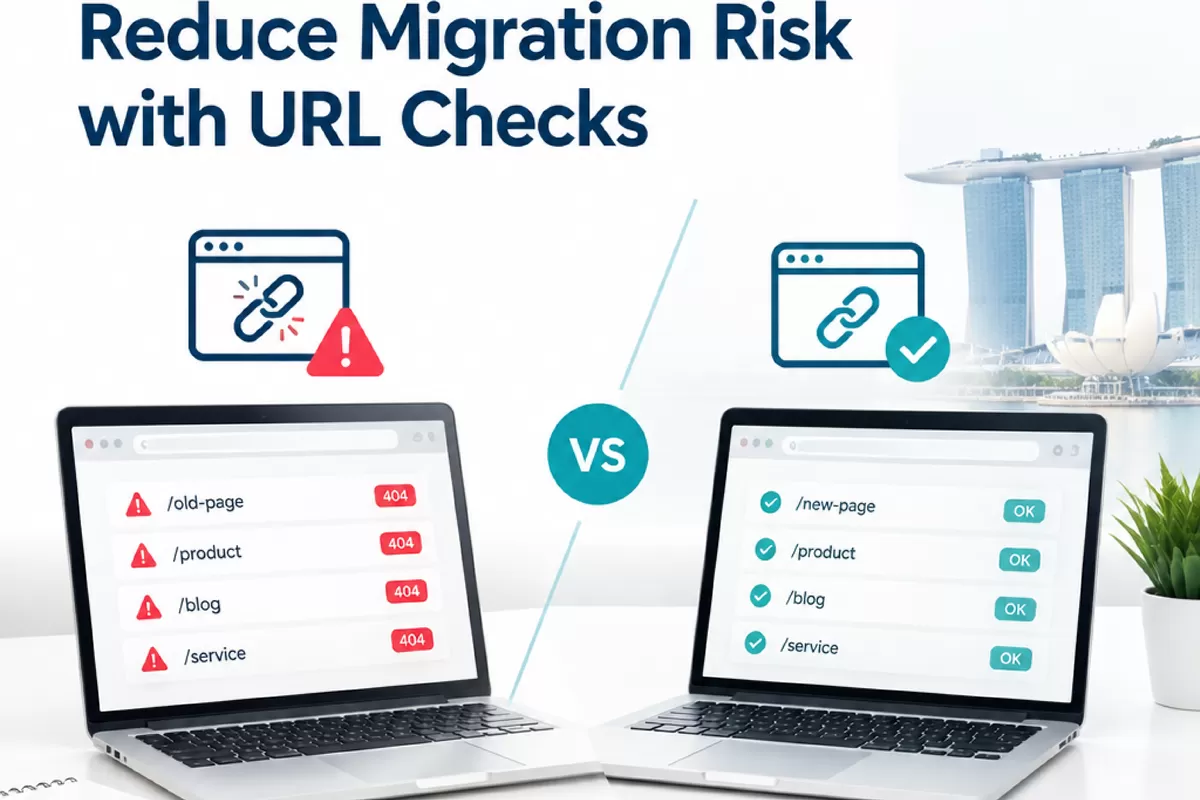
A website migration can change URLs, page templates, navigation or the platform behind a site. Each change can affect how search engines find and understand important pages. For Singapore businesses, that can mean losing visibility for product searches, professional services or local queries just as customers are trying to find you.
There is no way to guarantee that rankings will remain unchanged after a migration. But a careful process can reduce avoidable disruption. Start by recording what performs now, map old URLs to their best replacements, test the new site before launch, then monitor search and technical signals closely. These steps give business owners and marketing leads a clearer way to spot problems and decide what to fix first.
Before migration: record what matters for SEO Singapore
Do not begin with a redirect spreadsheet alone. First, build an inventory of the existing site and identify which pages earn organic visits, attract links or support enquiries. A migration is a chance to improve structure, but removing or merging pages without checking their role can discard useful search value.
Gather URLs from several sources, including a site crawl, the XML sitemap, analytics, Google Search Console and any current redirect file. These sources will not always match. Analytics can reveal pages that receive visits, while Search Console can show pages earning impressions and clicks. A crawl helps identify pages linked through the site even if they have little recent traffic.
For each important URL, record its page type, organic clicks and impressions, main query themes, backlinks if known, index status and intended destination. Include commercial landing pages, useful guides, location pages and pages that assist customers before they enquire. For a Singapore company, check whether pages serve distinct local needs, such as a service page for a particular part of the island or a location-specific branch page. Do not keep thin or duplicate pages simply because they exist, but make those decisions deliberately.
Capture a benchmark before launch. Save the date range and filters used in analytics and Search Console so you can compare like with like later. Note existing branded and non-branded performance, key landing pages, conversions and any current technical issues. Seasonality, campaigns and normal ranking changes can affect comparisons, so a single day’s figures are not a reliable verdict on the migration.
- List every URL that should remain accessible, including pages outside the main navigation.
- Mark pages that already return errors, redirect or use a canonical tag pointing elsewhere.
- Agree which page replaces each important URL, and flag pages with no suitable replacement.
- Save a copy of the current sitemap, robots.txt file and redirect rules.
Map redirects and test the new site before launch
A redirect tells browsers and search engines that a page has moved. For changed URLs, use a permanent server-side redirect, commonly a 301, from the old address to the closest relevant live page. A relevant match matters. Sending every retired URL to the homepage may frustrate visitors and fail to preserve the purpose of the original page.
Build a one-to-one mapping wherever possible. If a product page moves, redirect it to that product’s new page. If several pages are being consolidated, choose the destination that best covers their shared subject. Where no suitable replacement exists, it may be better to return a proper not-found response than to send visitors to unrelated content. Keep the mapping clear enough that the development team can implement and check it.
Test the staging site before the change goes live. Crawl it with the same URL patterns as the existing site, then review a sample of high-priority pages manually. Check that key content is present, internal links point to the new URLs, canonical tags reference the preferred live pages and pages meant to be indexed are not blocked. A staging site should usually remain inaccessible to search engines, but confirm that restrictions will be removed at launch.
Check more than the homepage. Templates can introduce site-wide problems, such as missing page titles, broken navigation, incorrect language or mobile layout issues. For Singapore businesses with local landing pages, confirm that each page still has accurate contact details, service information and links. If the business relies on Google Business Profile or map-pack visibility, check that the website link and relevant landing page remain correct. Keep the business name, address and phone number consistent wherever they appear.
Before launch, agree who owns each check and how issues will be reported. Keep the old site or a recoverable backup available where practical. A launch plan should include a rollback decision process, not just a launch date. If a critical template, checkout path or lead form fails, the team needs to know who can act and what conditions would justify reversing the change.
Launch and monitor Singapore search visibility
On launch day, crawl the live site and test a sample of old URLs against the redirect map. Confirm that redirects resolve to the intended destination, do not form chains and do not loop. Check for unexpected 404 errors, server errors, blocked pages or indexable staging URLs. Submit the updated XML sitemap through Search Console once it contains the preferred live URLs, and verify that important pages can be accessed by both people and search-engine crawlers.
Then monitor the site in stages. Review server logs or crawl data for repeated requests to old URLs and errors on important pages. In Search Console, watch indexing reports, sitemap processing, impressions, clicks and landing-page changes. Compare performance with your pre-migration benchmark over a sensible period, allowing for normal fluctuations. Investigate patterns rather than reacting to one isolated dip: a fall affecting one template may point to a template issue, while a cluster of broken redirects may indicate an implementation gap.
Check that enquiries and other conversion events still work, too. A page may remain visible in search while its form, phone link or booking flow has broken. For local searches, review whether the correct Singapore landing pages appear for relevant service and neighbourhood queries, and verify that the website links in business profiles still lead to the right destinations. Search positions can vary by device, location and query, so use several signals rather than relying on a single manual search.
For a migration that spans multiple templates, markets or technical systems, a second review can help identify gaps before they affect more pages. Teams considering seo singapore can review SEO, answer-engine and generative-engine support options there and request a free proposal with a practical next step within 24 hours. The right scope depends on the site, the migration plan and the implementation work required.
If performance changes after launch, diagnose the cause before making broad edits. Check whether the affected URLs redirect correctly, whether the new pages are indexable, whether content or internal links changed, and whether the issue is limited to a particular page type. Fix confirmed technical errors first, then reassess the data. Rankings may shift for reasons beyond the migration, and even a well-managed launch cannot promise unchanged positions.
Practical next step: appoint one person to own the URL inventory, redirect map and post-launch checks. Share the benchmark and priority-page list with whoever is implementing the migration. That simple handover makes it easier to verify what changed, identify the pages that need attention and respond with evidence instead of guesswork.